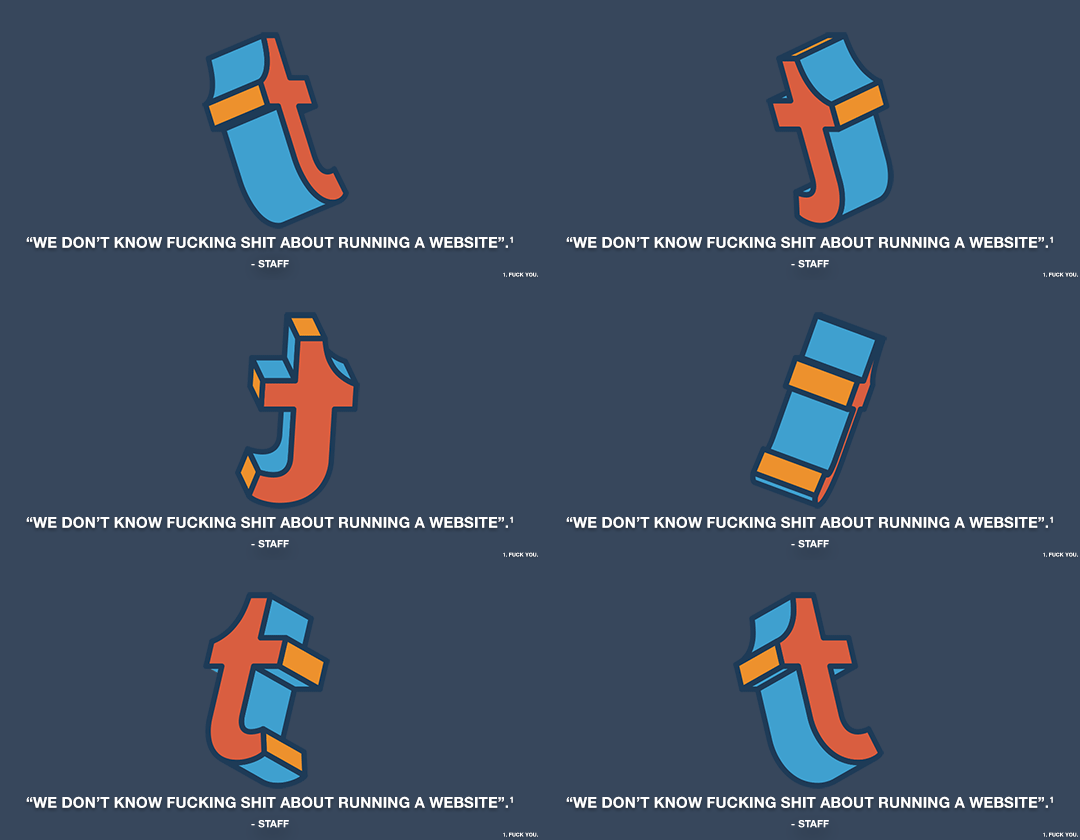
Y’know, the more uproar I’m seeing about Tumblr’s upcoming policy change, the more confident I am that one of two things will happen
A) Tumblr actually follows through with it, and kills their own website. Everyone gets pissed off and migrates to or builds a newer better platform
or B) Tumblr’s staff will go “oh shit” and backpedal on this so damn fast just like they have with so many other updates that people were vocally mad about. Remember that time they tried to merge all the different post-types into one?
I’m not particularly fond of option A, because starting over again and trying to find all you pals would not be fun, but yeah. The immediate anger is gone, now this weird calm just kinda washed over me. Either way it’ll work out, hopefully.
a couple months ago i re-opened my etsy shop because we’re having money troubles. about 2 weeks ago i sold a $65 item, but today when i went to look at my balance i had negative money. why? because etsy had automatically opted me into their “boosted posts” marketing feature, which costs $1 per day. i had to go find the option and turn it off manually.
etsy is opting people into paid marketing without their permission. if you use the site, make sure you aren’t getting charged.
Tumblr wants to take away all adult content on the platform, abandoning a large majority of it’s userbase which uses the site for this exact matter. Please sign the above petition if you would like to keep tumblr the way it is. They need to be shown that they will lose a HUGE amount of their traffic if they’re too carry this through.
This should everyone’s right to choose, not a decision automatically made for them. Just thinking about how much of fandom will be affected by this makes me so angry!
I was just semi-complaining that I was still looking for a decent way to backup my +6k posts without having to use paid services or even just wordpress (which has an import from tumblr tool that asks for permission to access your blog and also make posts), when I decided to actually put some effort into my google search.
Results were positive: I have successfully backed up my blog*
*By which I mean: everything that I have ever posted. Not included: drafts, queue, likes, followers, following, comments, notes, chat.
I followed this method (word by word), and now have a 450 MB folder on my computer with the name of my blog on it containing:
1. Folder “Archive” (contains .html files listed by month) 2. Folder “Media” (contains gifs and images, mine has +1k files in it; might contain also audios but I have no way of confirming that because I’ve never reblogged an audio post from this blog) 3. Folder “Posts” (contains single .html files, each one a post; I have +4k files in it) 4. Folder “Theme” (contains only my avatar, but it might be a matter of if you have personalized themes or not) 5. .html file “Index” (by opening it it will give you the archive of your blog organized by month; clicking on a month will open up the archive for that month, and you’ll be able to read all the posts for that month as if you were on your blog**, except sans your theme graphic, with each page containing 50 posts)
**I can see gifs, links, embedded videos, tags, number of notes (but I can’t open up the notes, clearly), text is also correctly formatted.
So yeah, in case anyone wants a very quick way to back up their blog, it took me less than 10 minutes.
P.S. I didn’t have any issue, but to be on the safe side always check for spyware and virus threats before and after downloading anything.
this is actually really useful if you have an art blog full of years of work that you otherwise no longer have access to the original files. A lot of the art I have in the early days of my art blog are in that boat. I did this process JUST for that reason and I was pretty astonished at just how many pieces of media it backs up! (literally all of it) Drawings I didn’t even realize were sitting in my archive due to having been posted to text posts or undercuts, or untagged for years! It’s worth it if just for that, even if tumblr isn’t shutting down or deleting your blog.




 Anxiety-prone-human